

Marketing Campaigns
Marketing campaigns allow you to send messages to customers in bulk and in an organized way through WhatsApp, with the ability to target specific contact segments and choose the appropriate sending method based on the campaign type.
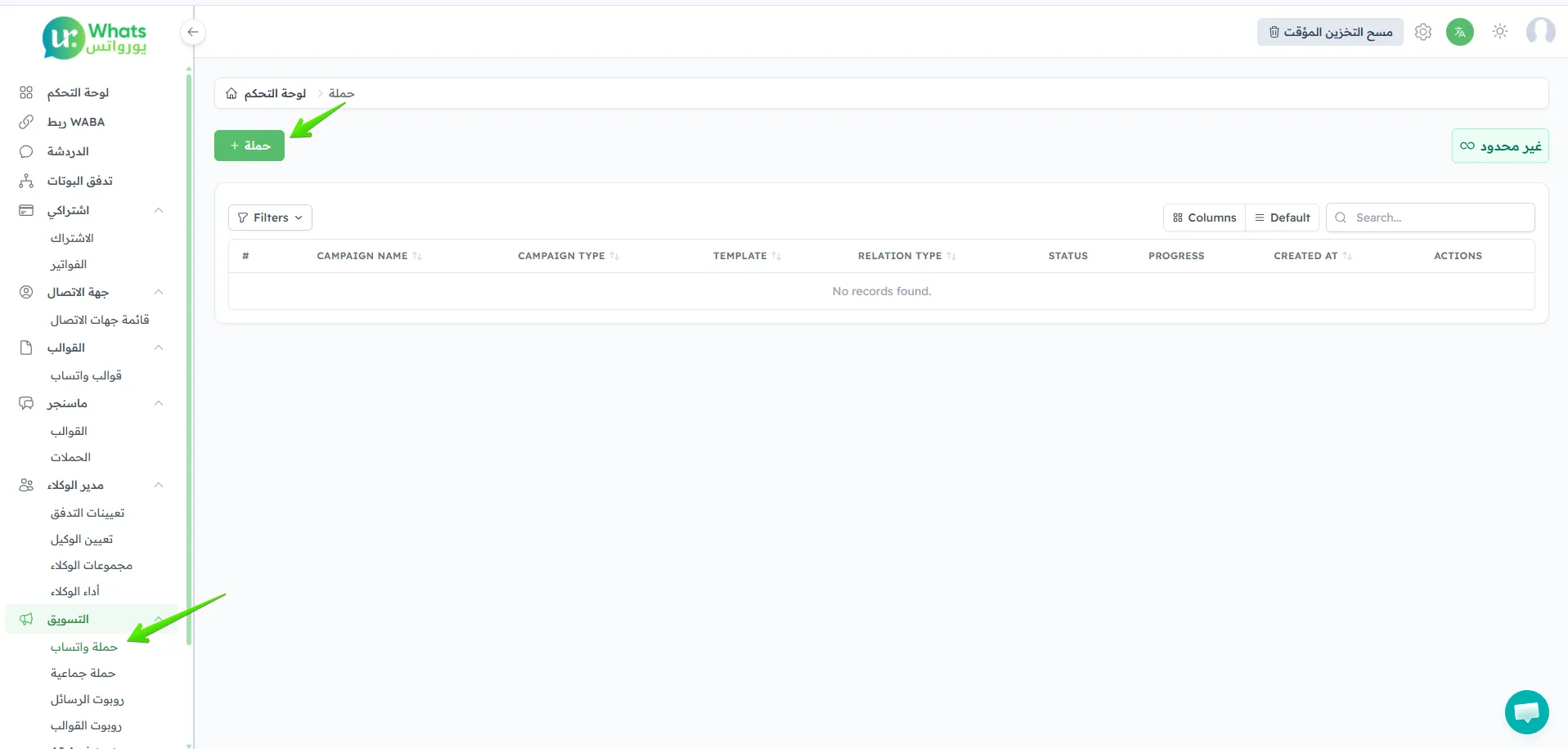
The system provides two types of campaigns, each designed for different use cases depending on the nature of the messages you want to send.
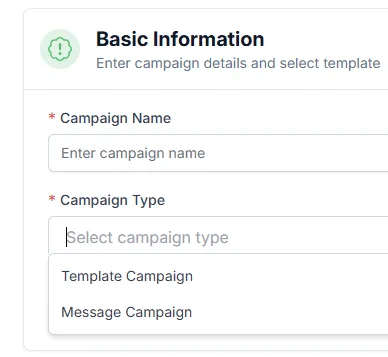
First: Template Campaign
Section titled “First: Template Campaign”The Template Campaign is used to send pre-approved WhatsApp messages to customers, and is suitable for the following cases:
- Marketing messages.
- Welcome messages.
- Alerts and notifications.
- Customer follow-ups.
- Messages sent outside the 24-hour window.
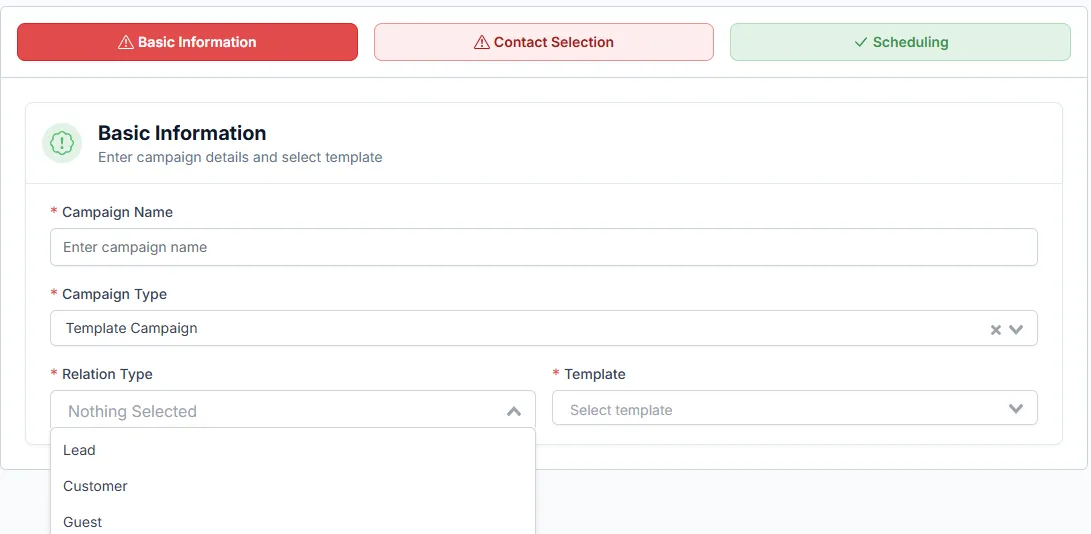
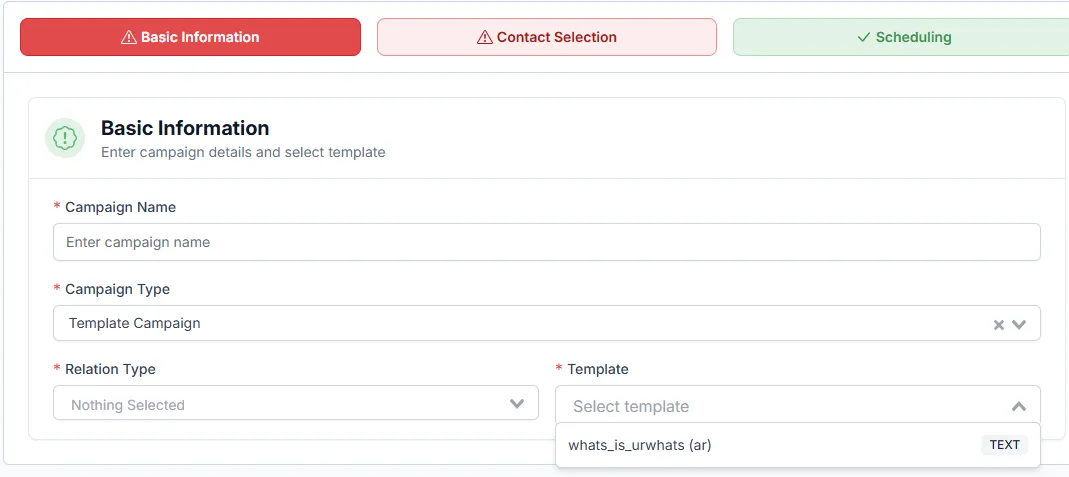
Template Campaign Features
Section titled “Template Campaign Features”- Use approved WhatsApp templates.
- Ability to send messages to a large number of customers at once.
- Live message preview before sending.
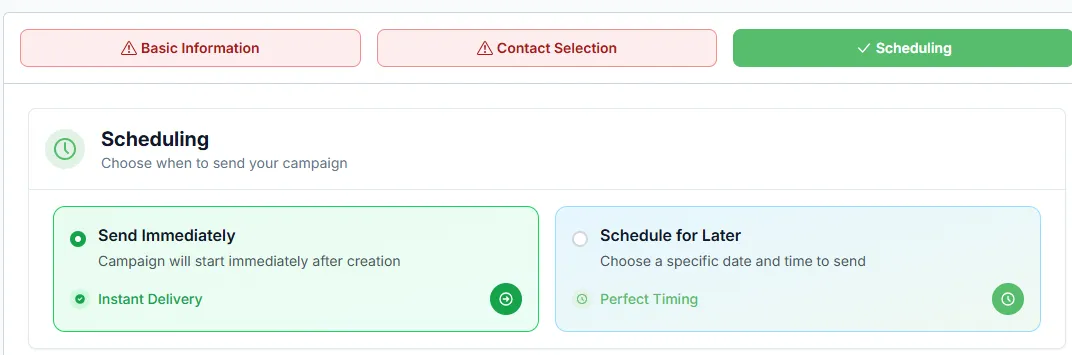
- Schedule the campaign for a later time.
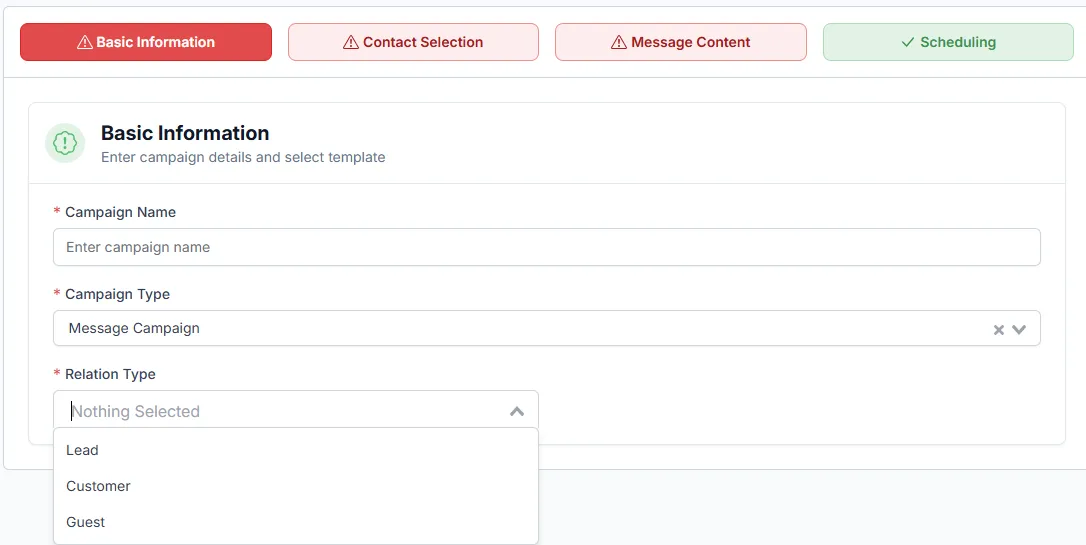
- Target customers by relationship type.
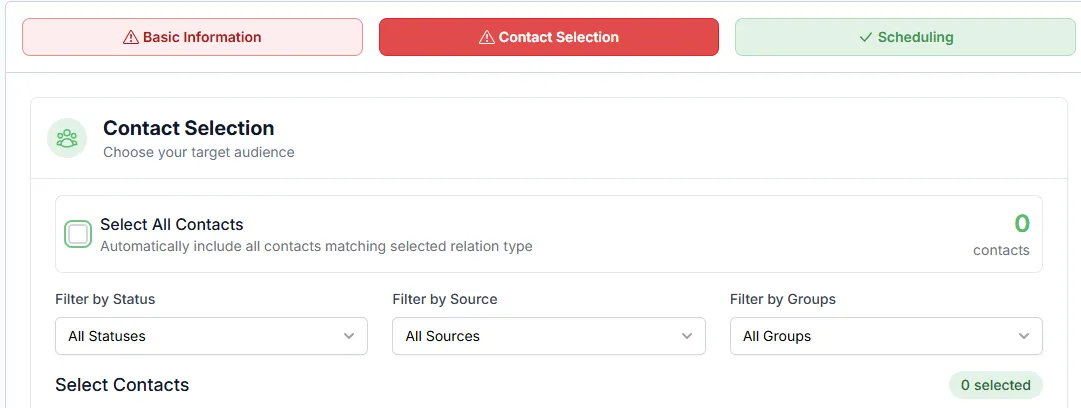
Second: Message Campaign
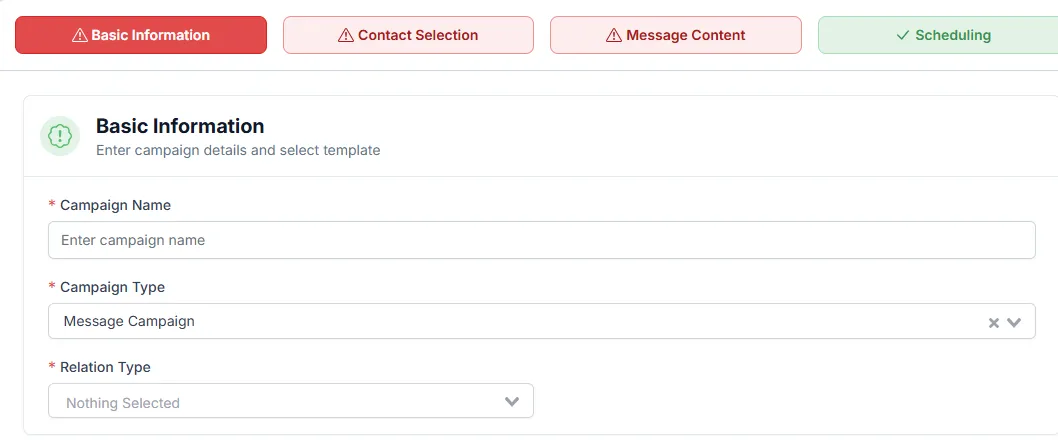
Section titled “Second: Message Campaign”The Message Campaign is used to send regular messages directly to customers within WhatsApp’s 24-hour policy window.
This type is suitable for quick communication with active customers who have recently interacted with you.
Message Campaign Features
Section titled “Message Campaign Features”- Send messages directly without needing a template.
- Ability to easily customize message content.
- Target specific customer segments.
- Immediate or scheduled sending.
- Easy campaign management and results tracking.
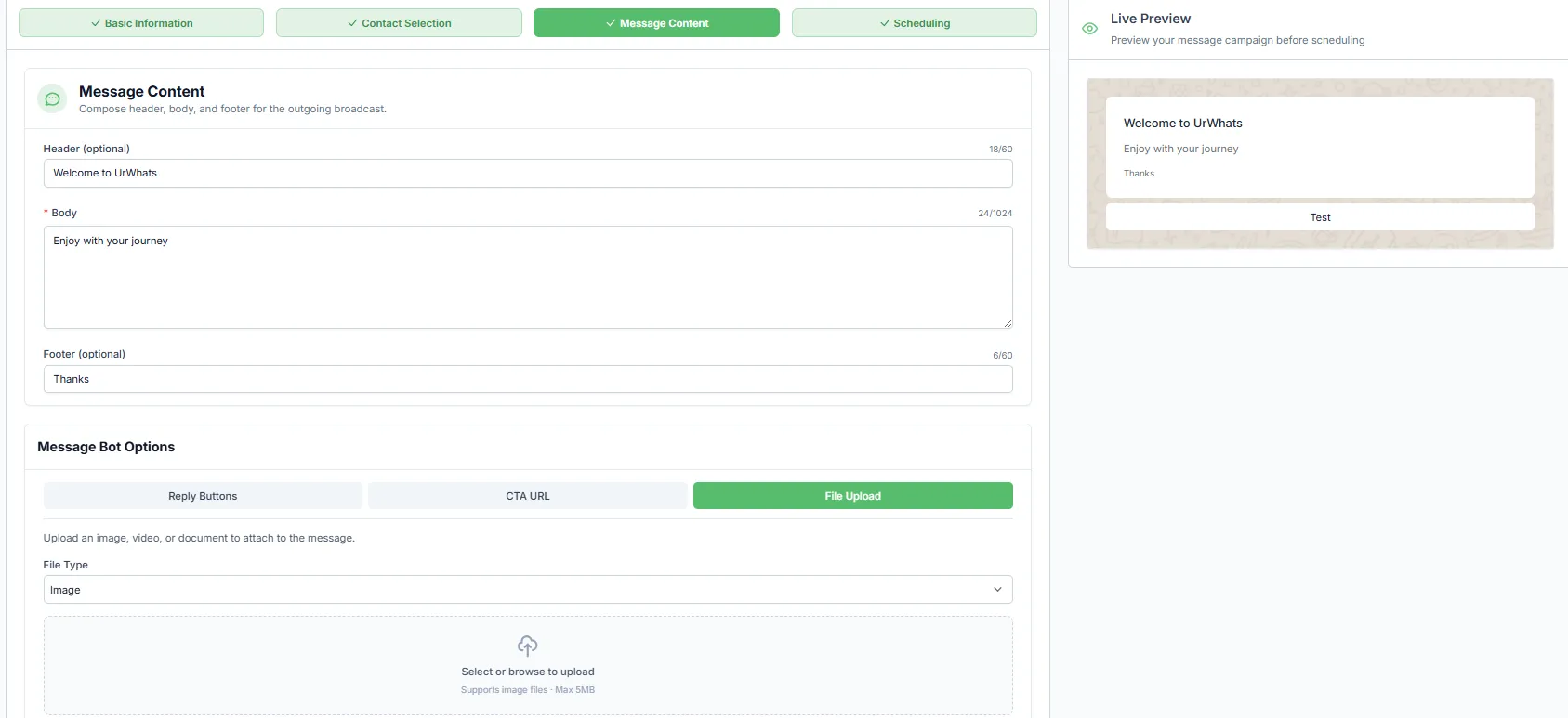
After completing all fields, the campaign will be sent according to the selected option.
