
Message Bot
The Message Bot feature allows you to create smart automated replies for customers based on specific keywords, helping improve response speed and deliver a professional communication experience without manual intervention.
The Message Bot can be used for:
- Automatic customer replies.
- Welcoming new visitors.
- Answering frequently asked questions.
- Directing customers to the appropriate services.
- Sharing links, files, and important information.
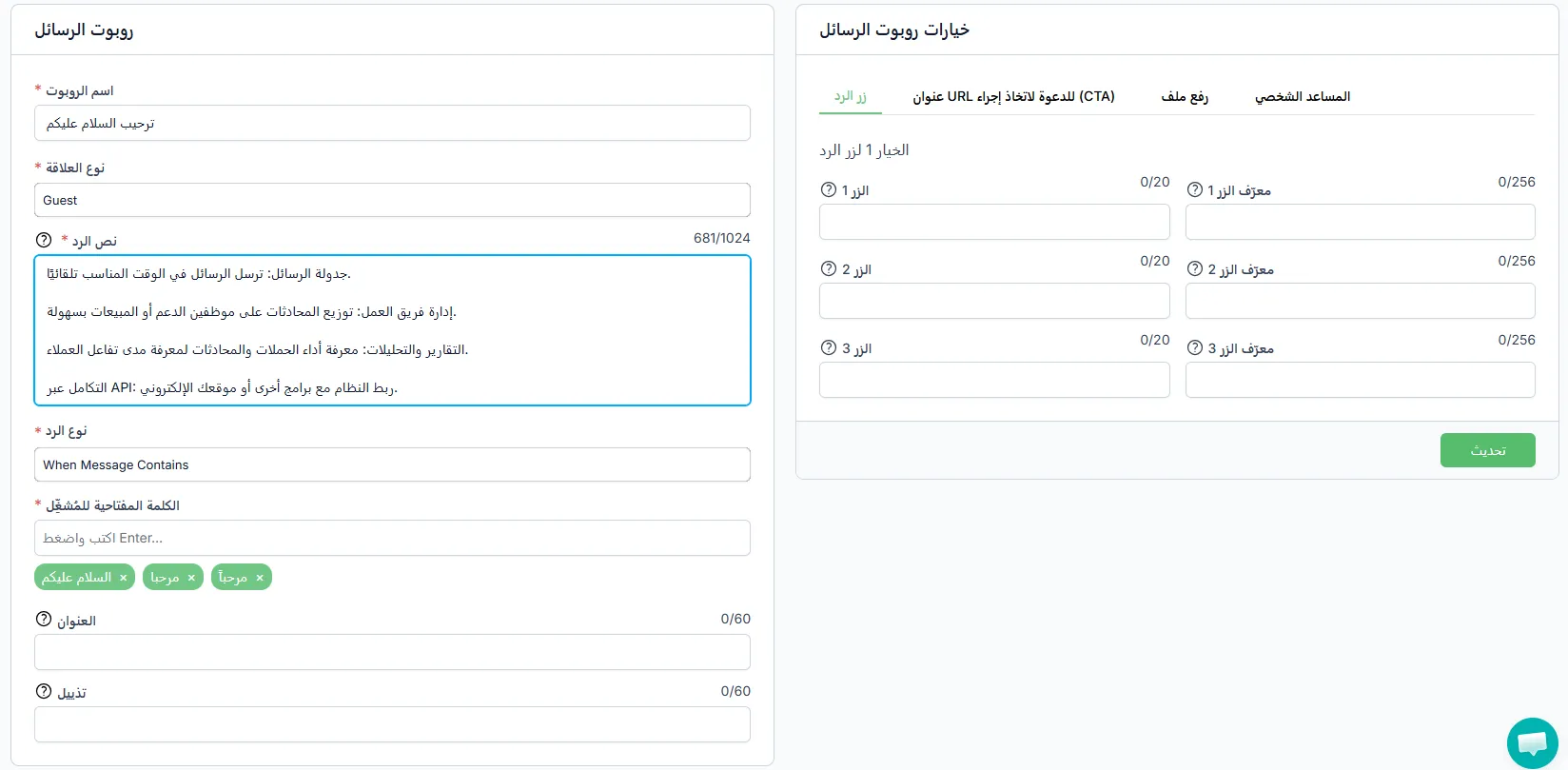
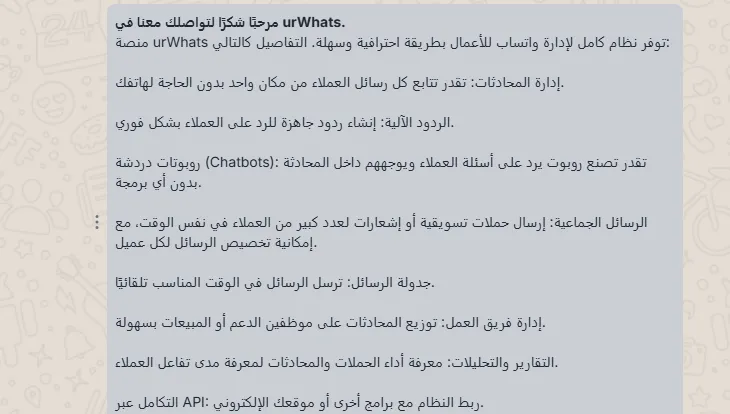
Message Bot Features
Section titled “Message Bot Features”- Create automated replies easily.
- Trigger replies using keywords.
- Support for interactive buttons.
- Ability to add direct links.
- Support for uploading files and media.
- Ability to use the AI personal assistant.
- Customize replies by customer type.
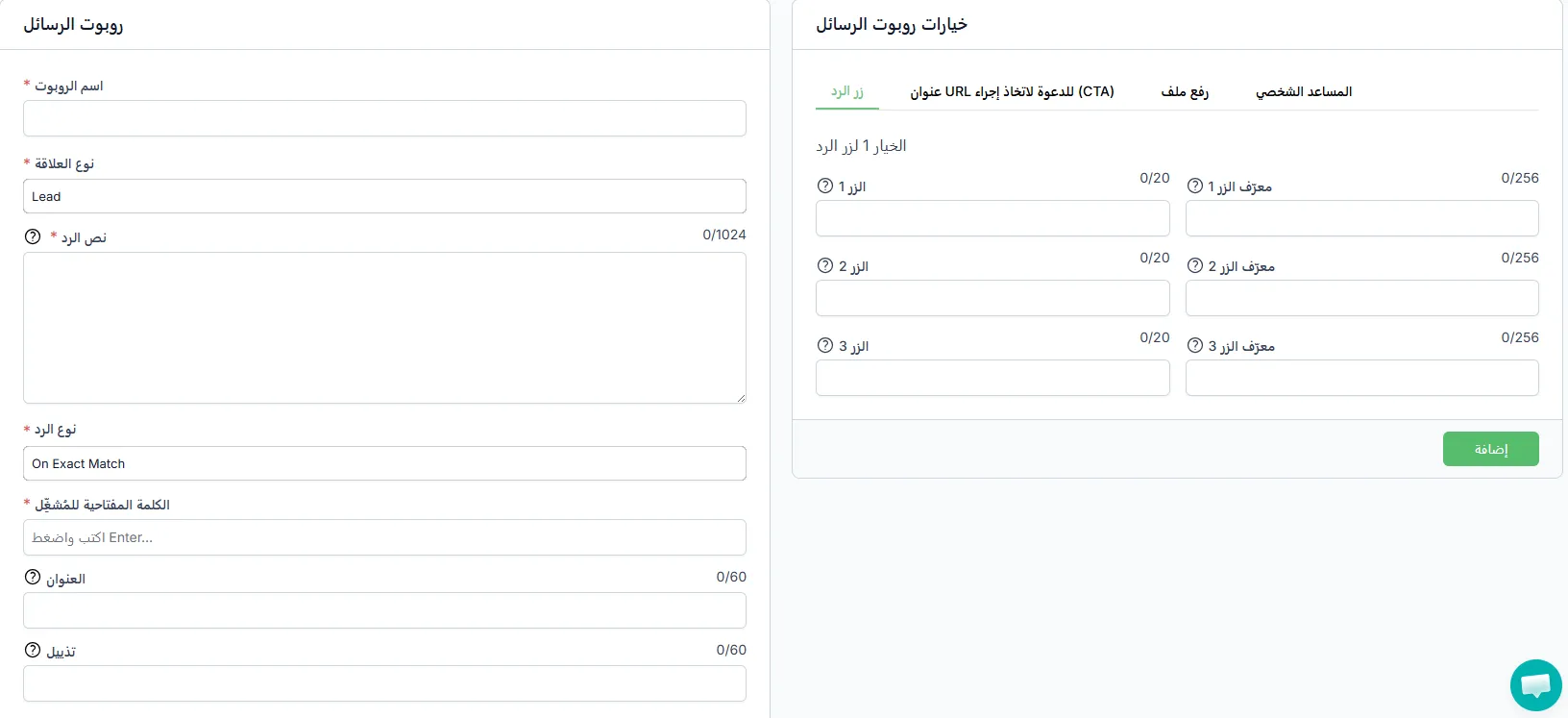
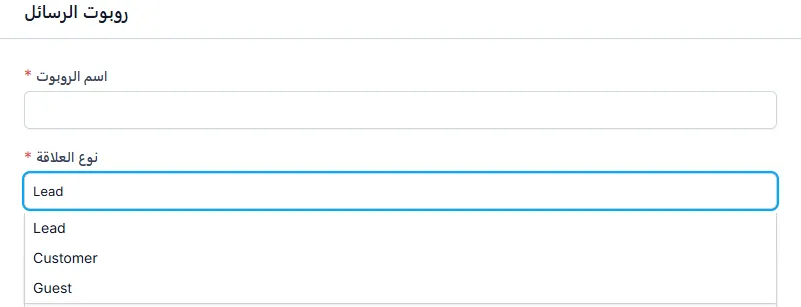
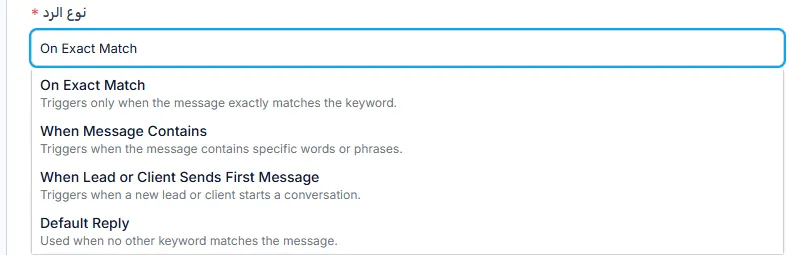
Creating a Message Bot
Section titled “Creating a Message Bot”You can easily create an automated reply bot by filling in all the required fields.
Reply Types
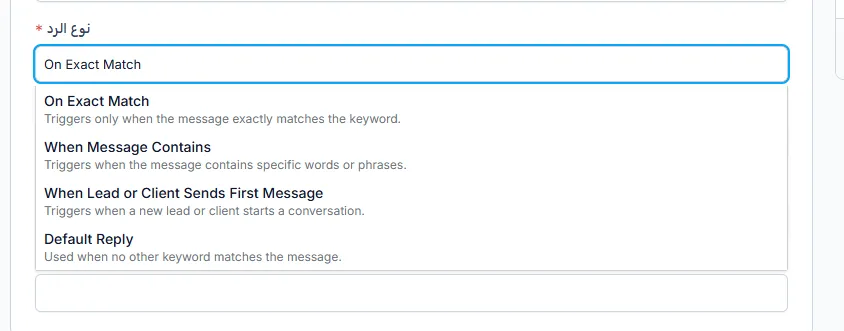
Section titled “Reply Types”The system provides several ways to trigger automated replies based on how the customer interacts:
- Exact Match — the reply is triggered when the customer’s message exactly matches the keyword.
- Message Contains Word — the reply is triggered if the customer’s message contains a specific word or phrase.
- Customer’s First Message — the reply is triggered automatically when the customer starts the conversation for the first time.
- Default — used when the customer’s message does not match any other keyword.
Keywords
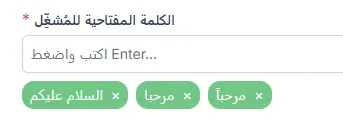
Section titled “Keywords”These are the words that trigger the automated reply when sent by the customer.
Example:
- hello
- support