
Create WhatsApp Templates
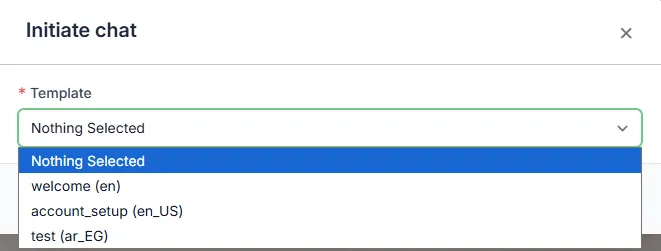
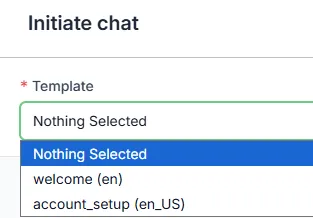
Ready-made templates are messages your team prepares in advance to use during conversations. They help you save time and respond in a professional, consistent way.
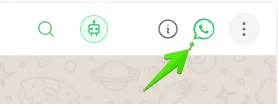
Agents can access the ready-made templates during chat by clicking the WhatsApp icon.
How to Create Templates
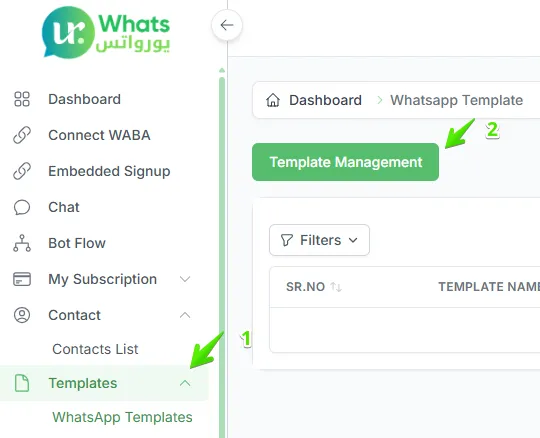
Section titled “How to Create Templates”To add a new template go to Templates from the main menu > click Manage Templates > after adding Facebook you can add templates.
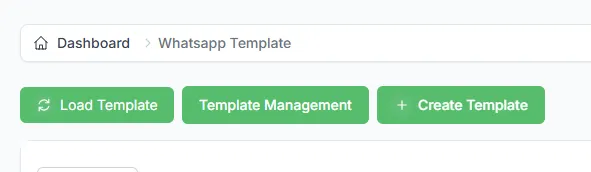
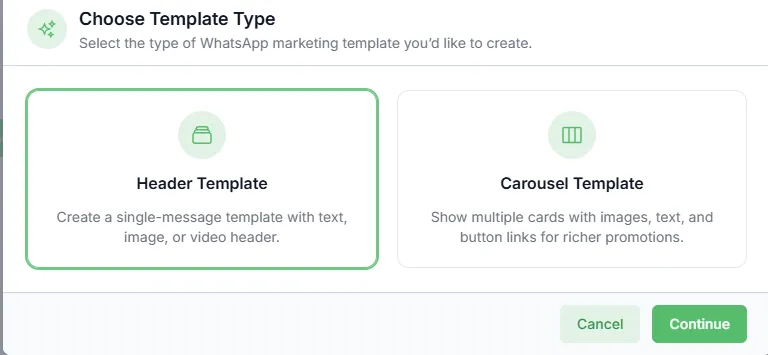
There are two types of templates you can add.
Header Template
Section titled “Header Template”By going through the steps and filling in all the required fields and inputs you can create a template.
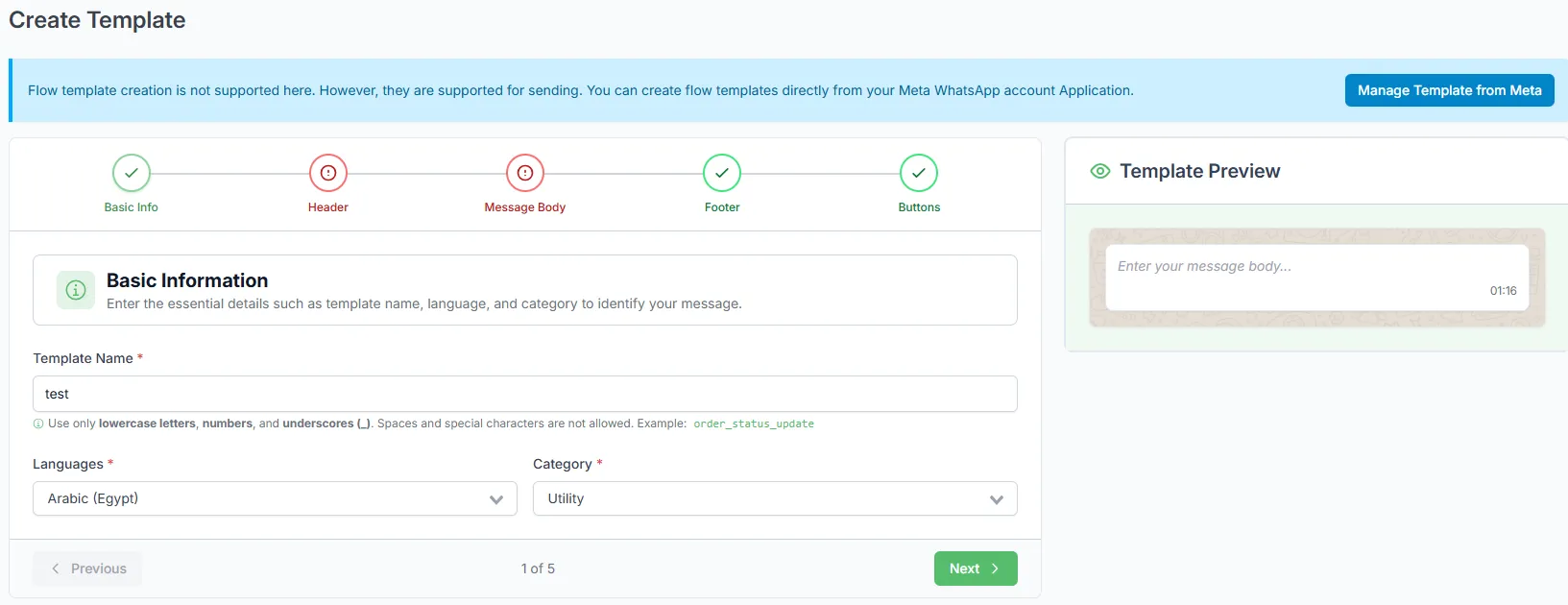
Enter a short name, for example (welcome).
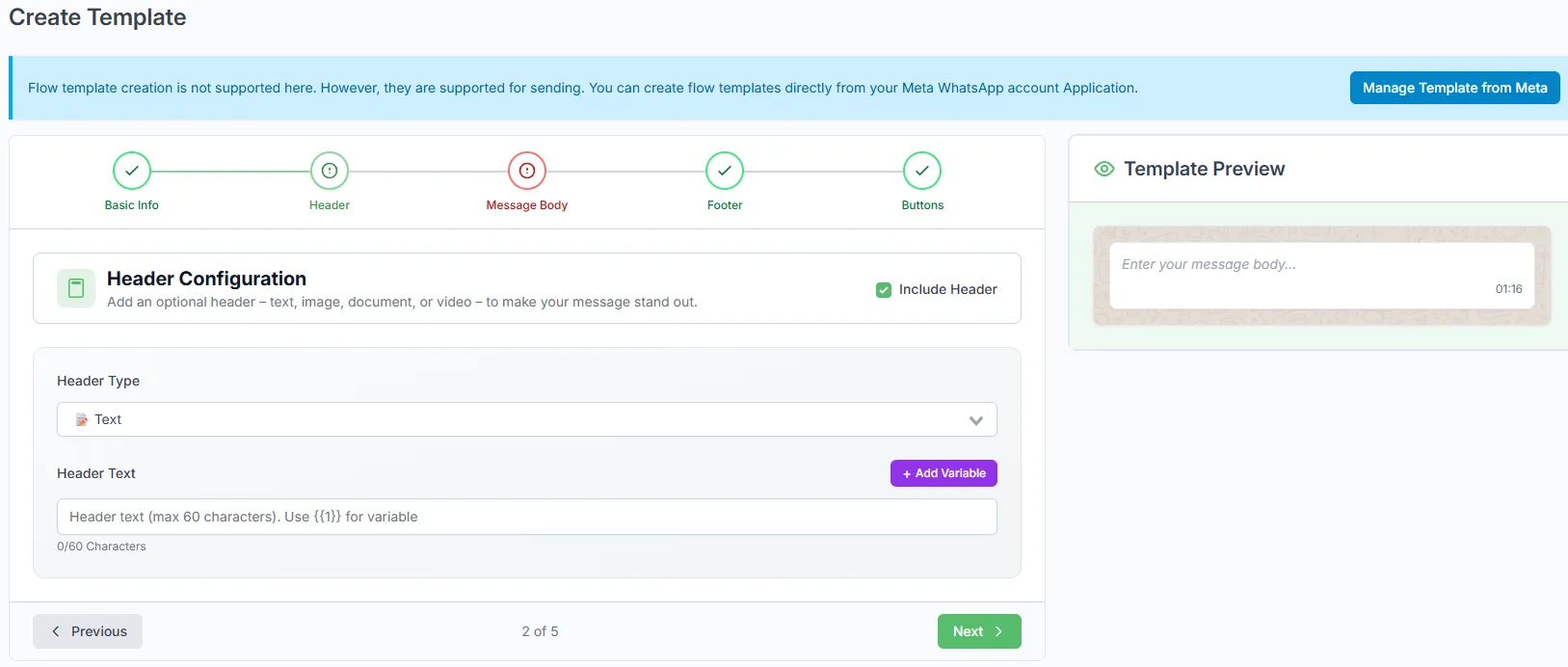
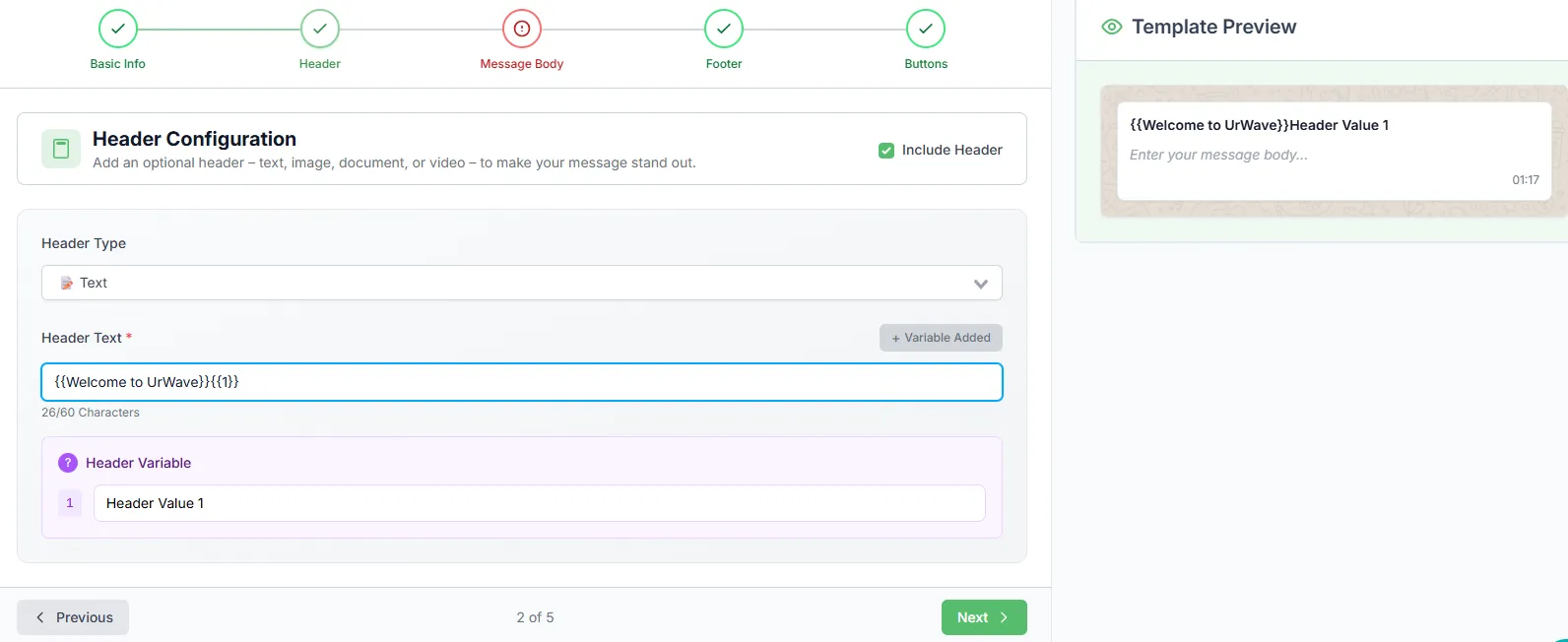
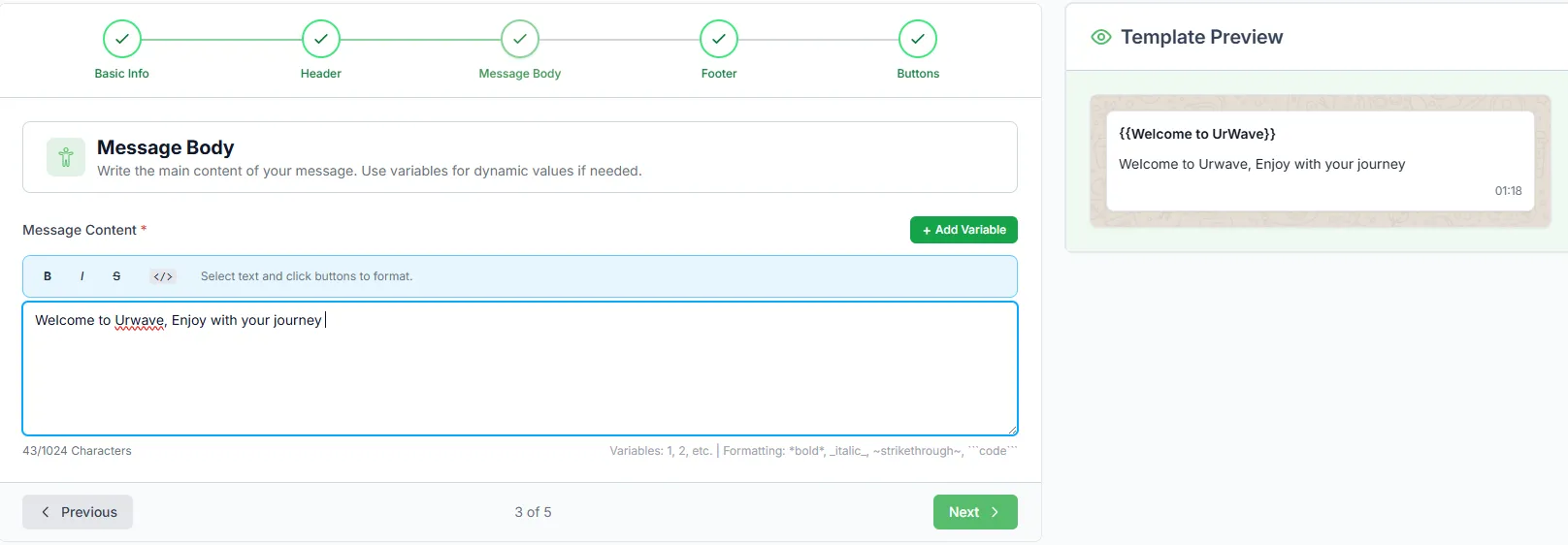
Write the body content, for example (Welcome to urWave Chat customer service).
Add an optional footer text if desired.



Save the template so it is ready to use inside conversations.