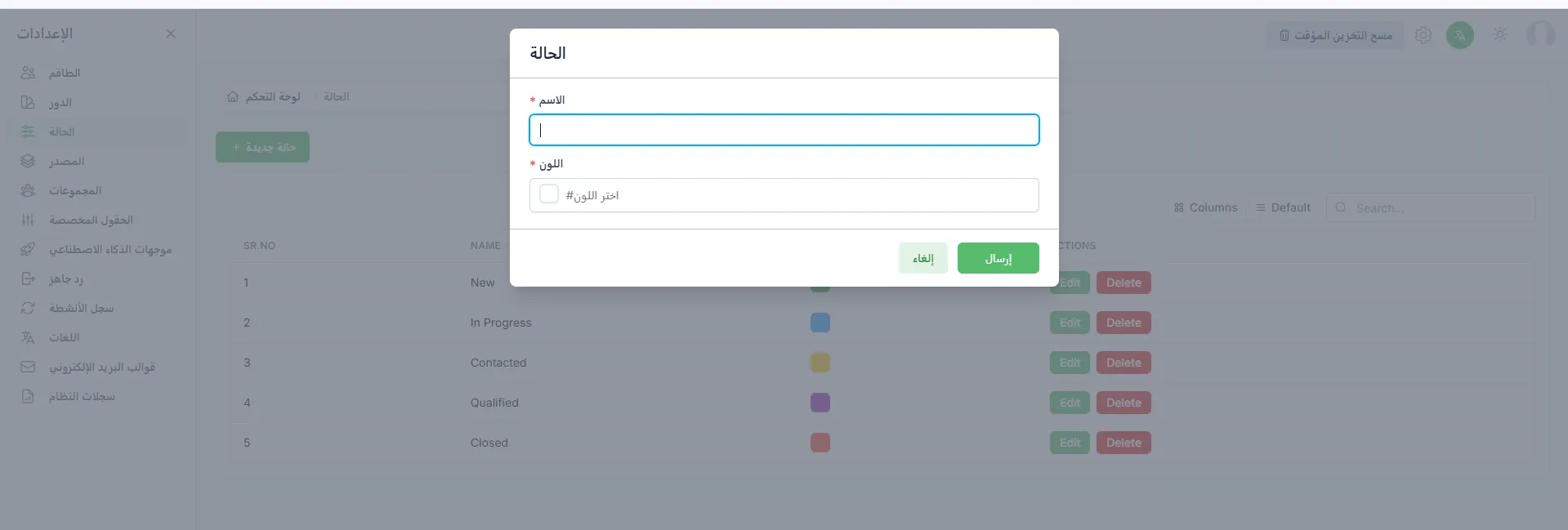

Create Statuses
Adding a New Status
Section titled “Adding a New Status”Statuses are color-coded labels you can attach to conversations to easily track their stages, whether open, urgent, or completed.
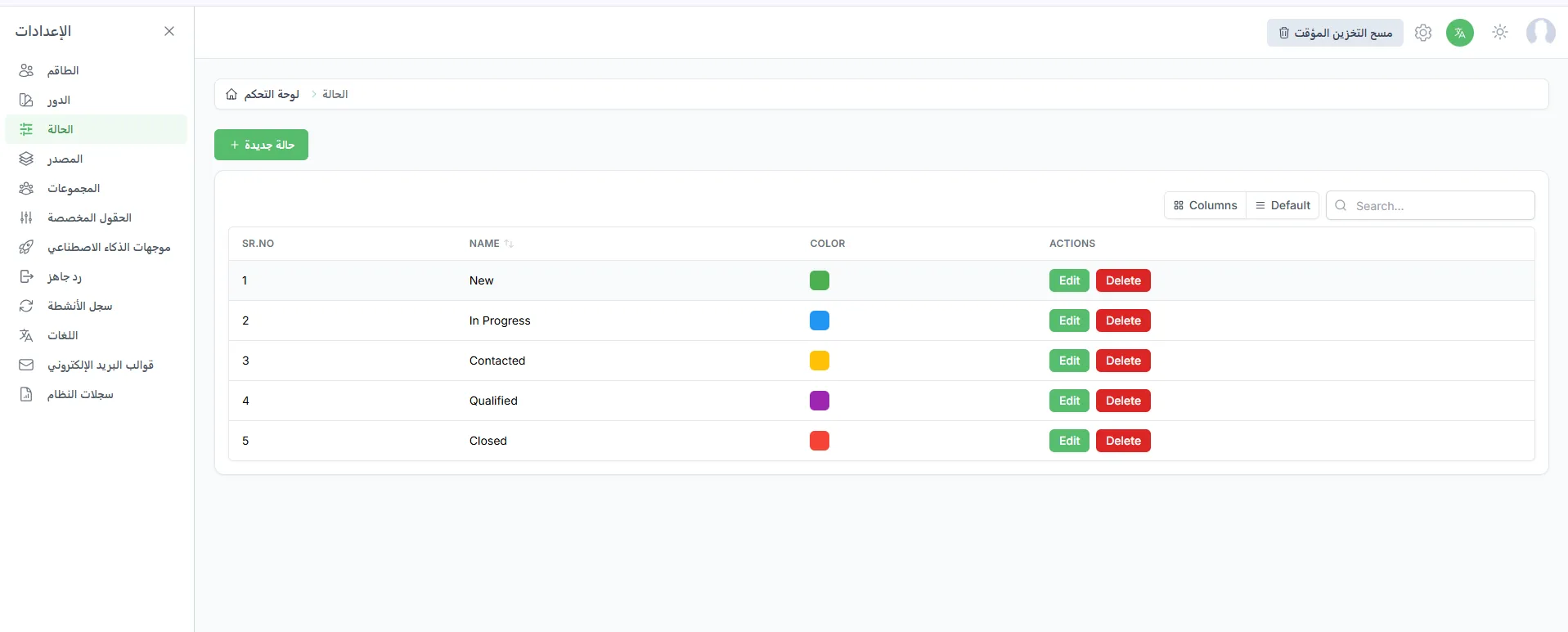
To add a new status go to Settings > Status > New Status.
By clicking the New Status button, you can create a new status by entering the status name and choosing the appropriate color to use while managing conversations.