
Create Roles
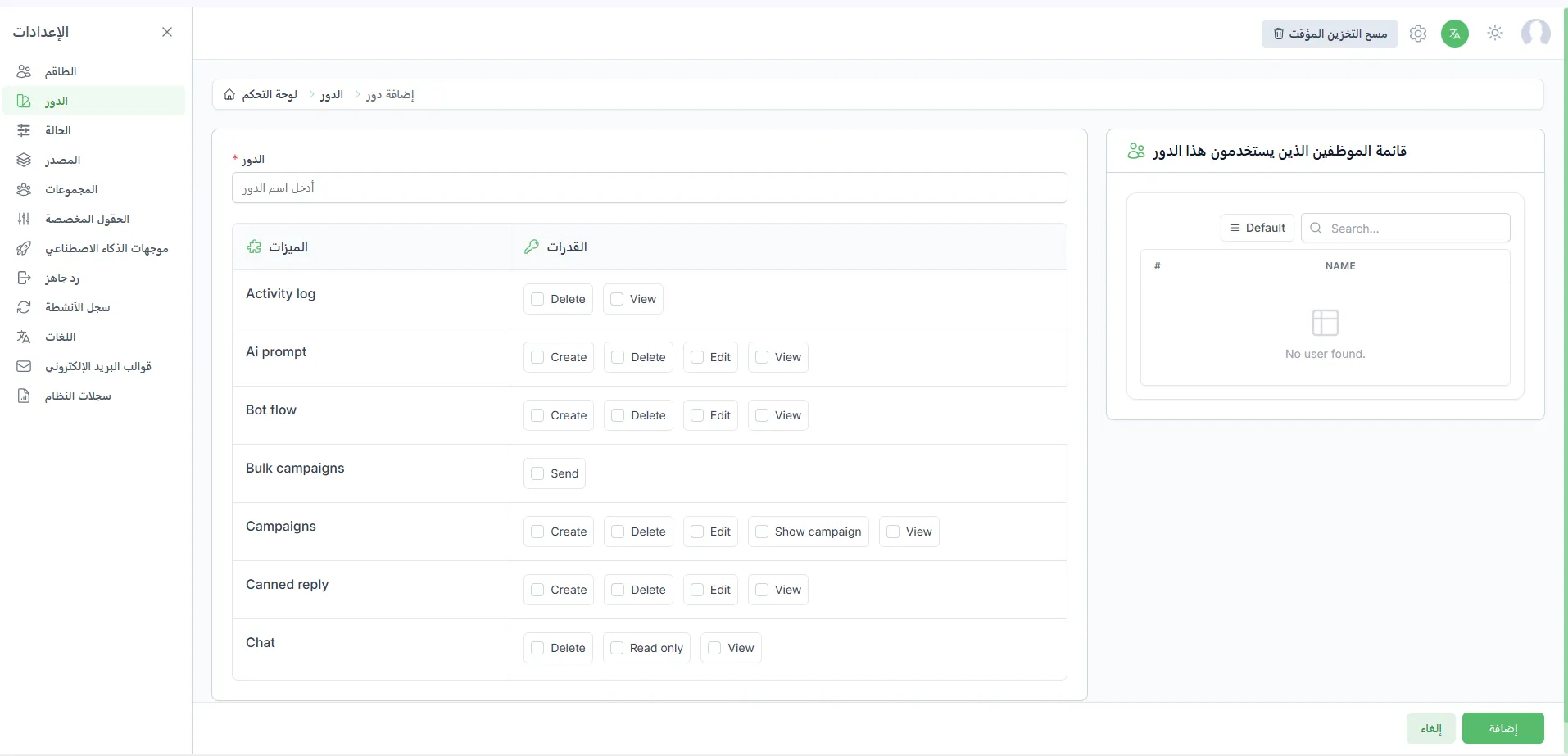
Adding New Roles
Section titled “Adding New Roles”Roles allow you to define what each agent can do inside the platform. It is recommended to create roles in advance to make it easier to assign them to agents when adding them.
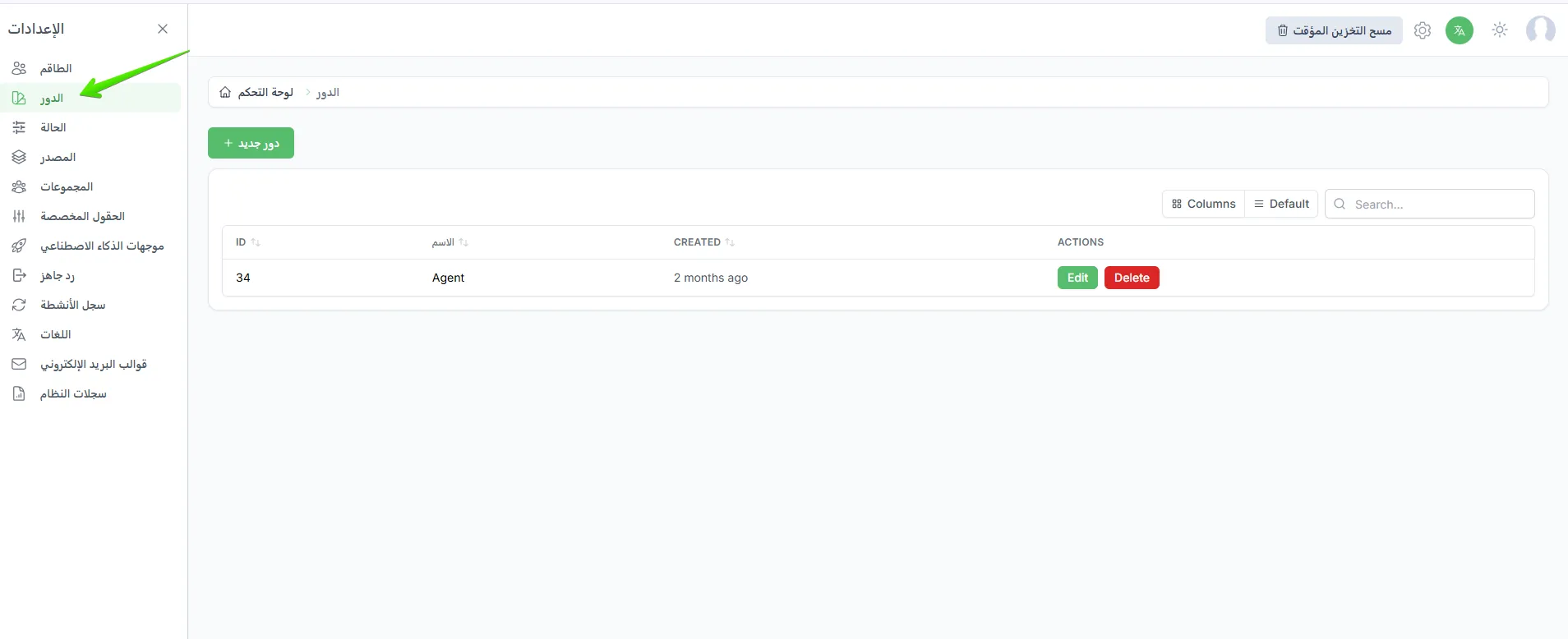
To add a new role go to Settings > Roles > New Role.
- Choose a clear name for the role, such as Support Agent or Marketing Manager.
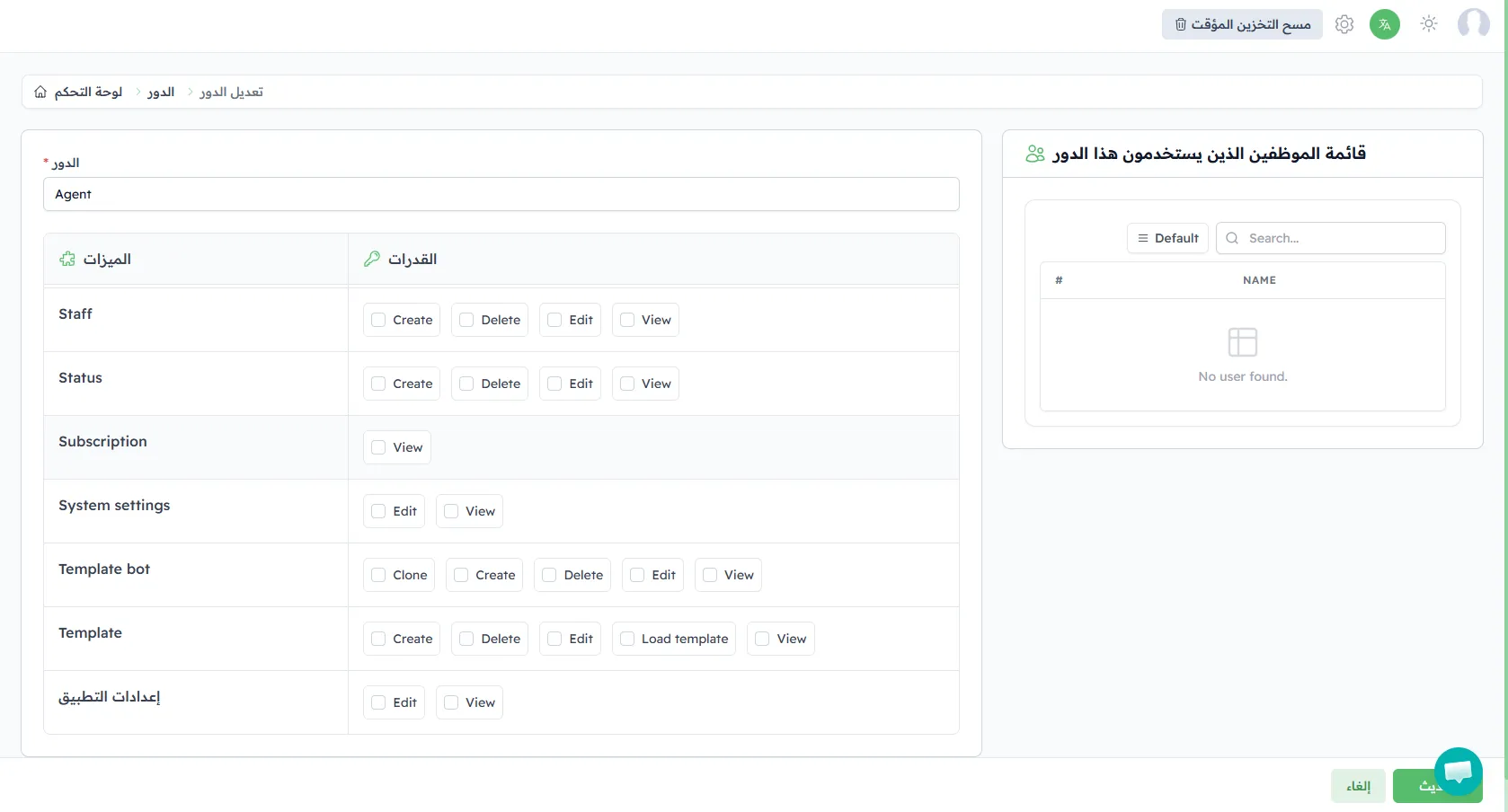
- Define the available permissions in each section of the platform.
- Save the role so it is ready to use with any agent.