

Add Customer Support Agents
A customer support agent is a member of your team who handles replying to customer messages. Each agent has an independent login account and specific permissions based on the role you assign them.
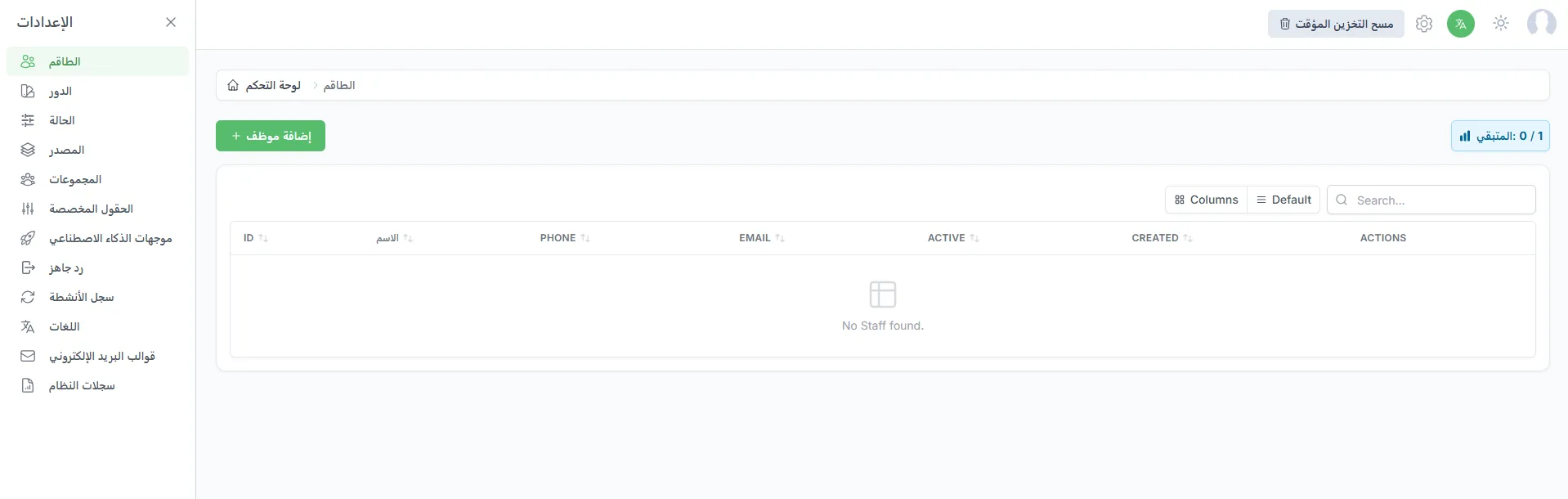
To add a support agent go to Settings > Team > Add Agent.
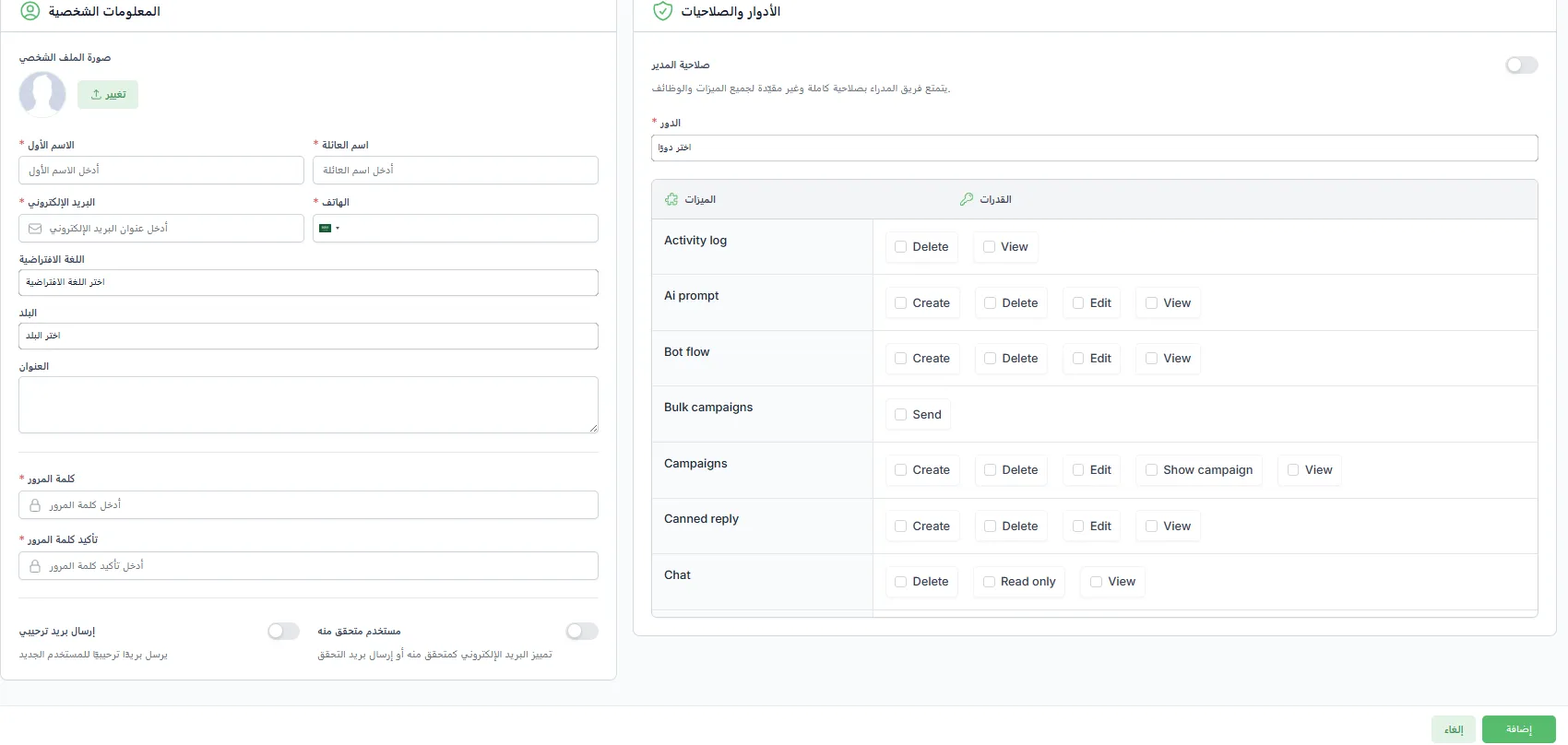
- Enter the agent’s name and official email address.
- Choose the appropriate role to define their permissions.
- Click Send Invitation.
The agent will receive a confirmation email. Once they activate their account, they can log in and start working according to their permissions.